

Practical Application of Linux Edge Computing Devices and Edge-Side Neural Networks
The project is oriented toward a waste classification engineering device, based on NVIDIA Jetson Nano B01 the construction of an edge-side visual recognition system. Under fixed camera positions and in-device sampling conditions, data collection and cleaning of 1,474 sampleswere completed, and through two-stage transfer learning with MobileNetV2,model training and deployment validation were accomplished. The system adopts a distributed engineering approach with "separation of training and inference ends": training is performed in a high-performance environment, while inference is executed in real time on the Jetson end, outputting HDMI-based classification results.
Abstract
This project aims to achieve "deployability on edge devices and generalizability to unseen samples," and designs and implements a waste classification device (with competition constraints of 40cm × 40cm × 60cm or smaller). The engineering effort focuses on the main visual recognition pipeline: data collection and cleaning, ROI normalization, model training, deployment on Jetson, and HDMI output of results. In the on-site testing with unseen samples during the competition, the system achieved a recognition success rate of 7/8, thereby validating the model's practicality in controlled engineering scenarios.
System Architecture and Division of Labor
Separation of Training and Inference
A distributed architecture is adopted, splitting computationally intensive training (transfer learning model training on a PC) and real-time inference (deploying the trained model on the Jetson Nano) across different platforms: the training side handles model parameter convergence, while the Jetson Nano is responsible for on-site inference and display.
Engineering Constraints on Sampling Environment
By fixing the camera position, controlling the background, and reducing reflections, sampling consistency is improved, thereby reducing the impact of input noise on model robustness at the source.
End-to-End Visual Pipeline
A complete closed loop is formed from image sampling, ROI perspective normalization, and augmentation strategies to classification output, ensuring that the training data distribution is as consistent as possible with the deployment input distribution.
Operability of Edge Deployment
On the Jetson side, containerized operation, auto-start on boot, and stability tuning of the inference environment are completed, ensuring continuous availability during classroom demonstrations and competition testing.
Technical Pipeline and Classification Output
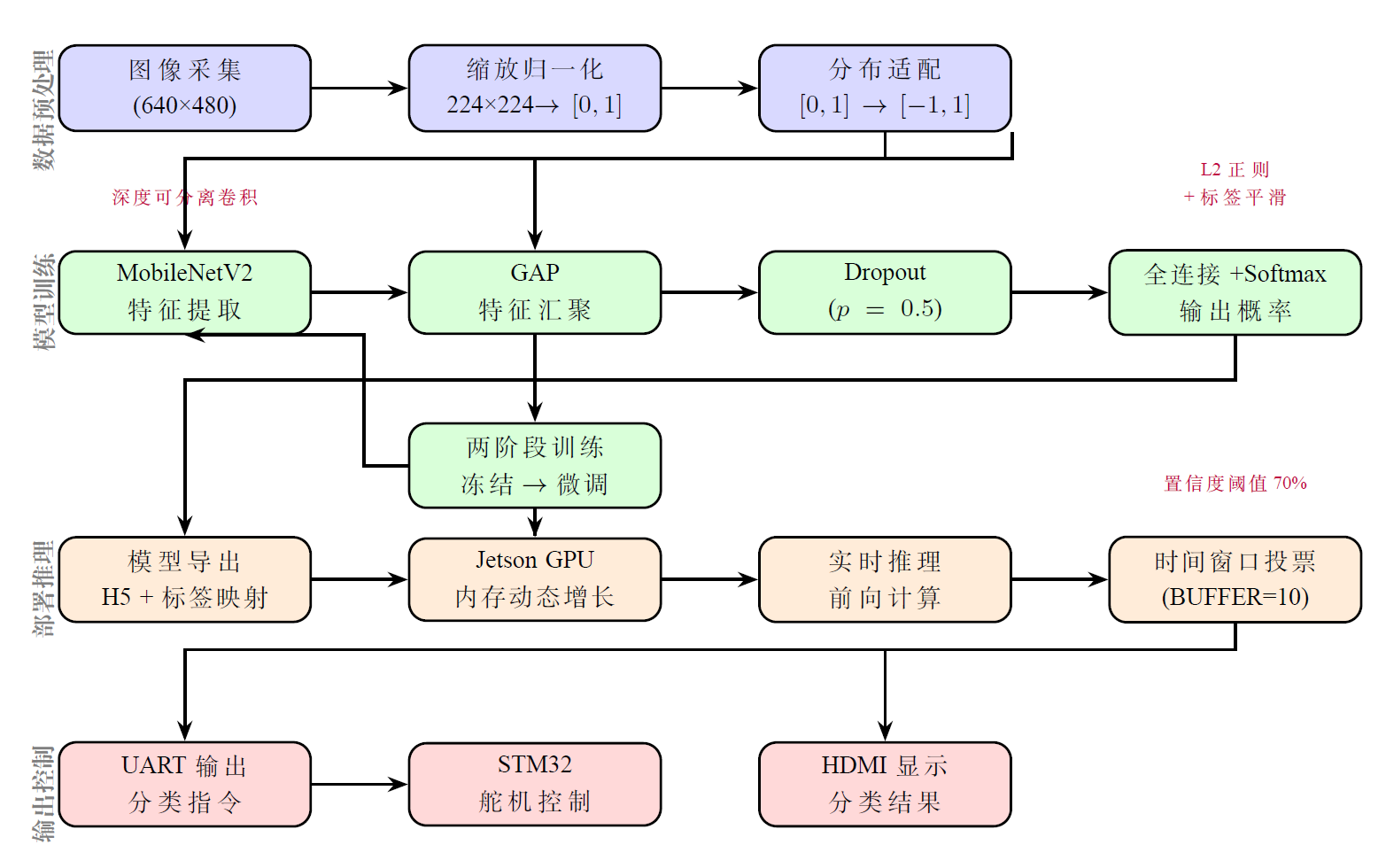
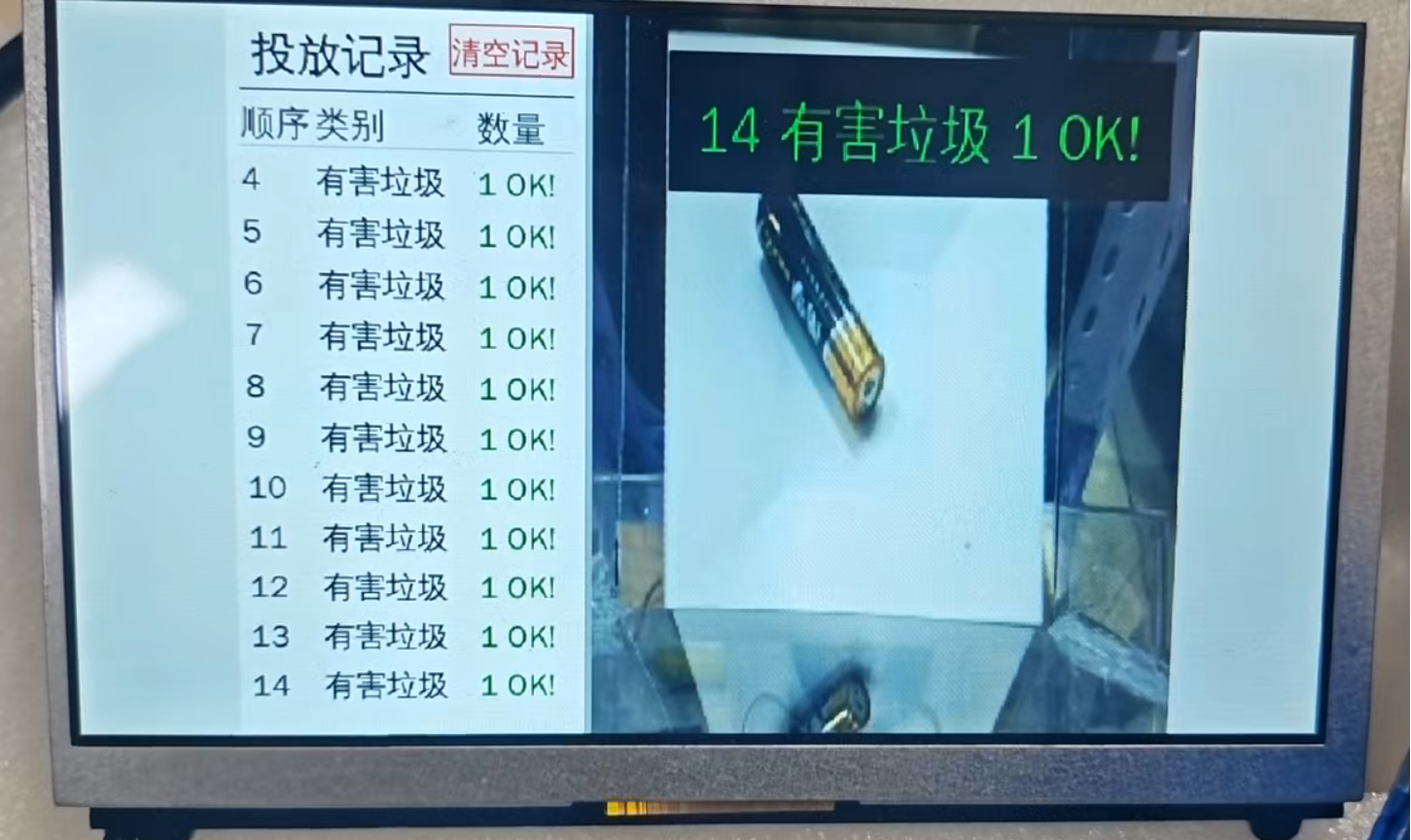
The system operates through the main workflow: "image acquisition → preprocessing/ROI normalization → MobileNetV2 inference → HDMI output of category results." The left figure shows the technical pipeline flowchart, and the right figure shows the real-time classification output interface on the device.
Optimization of Sampling Conditions
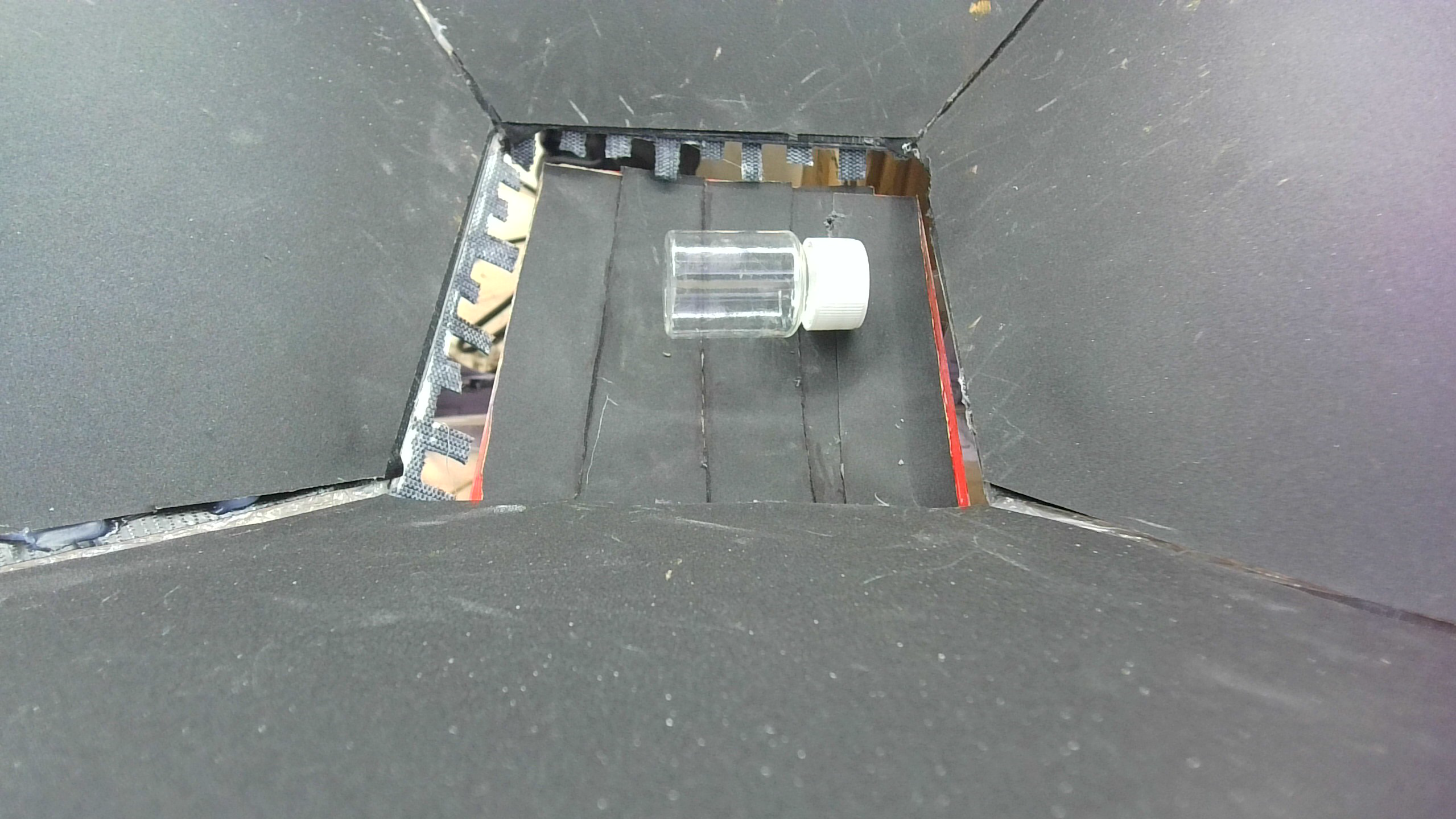
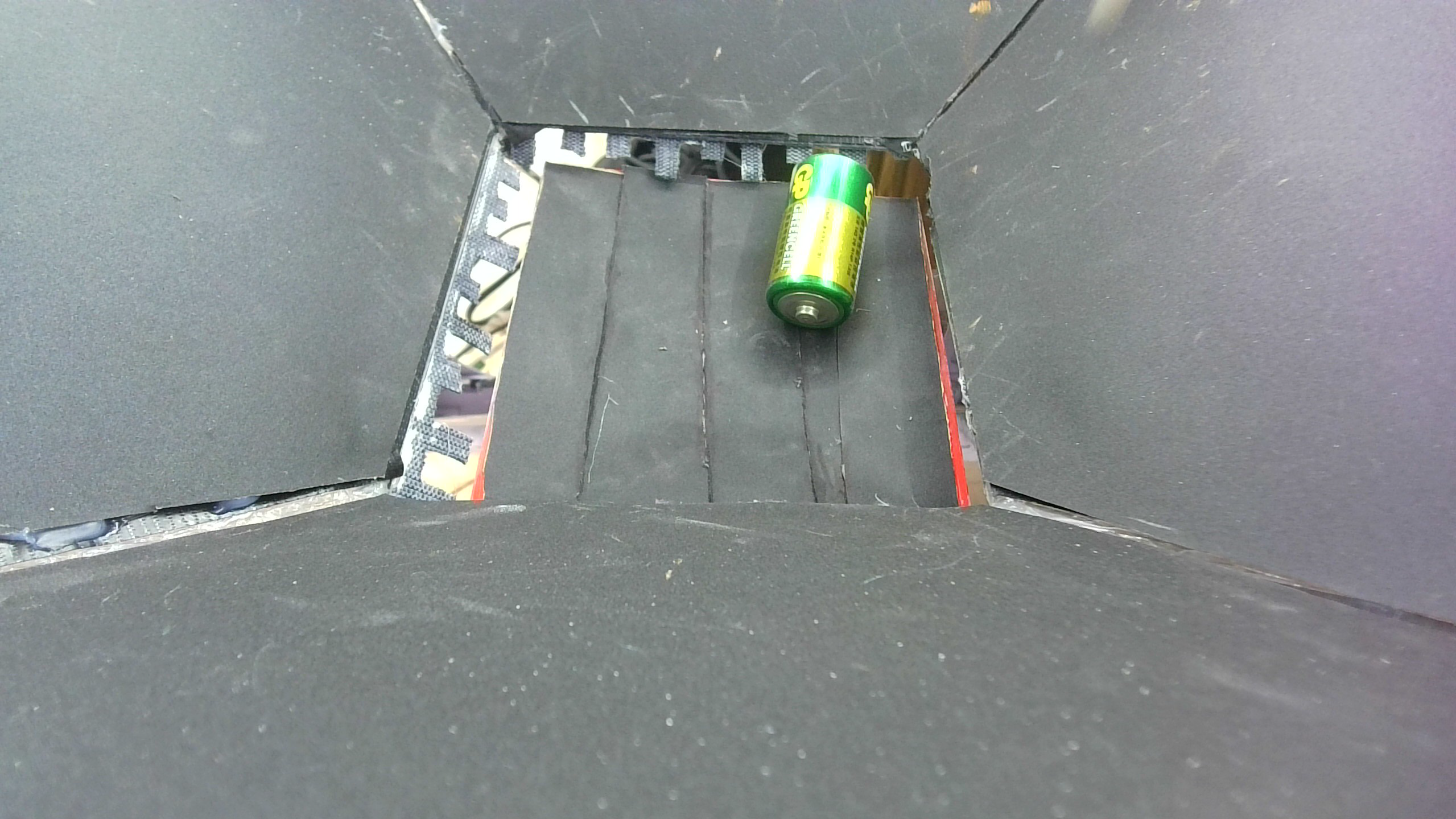
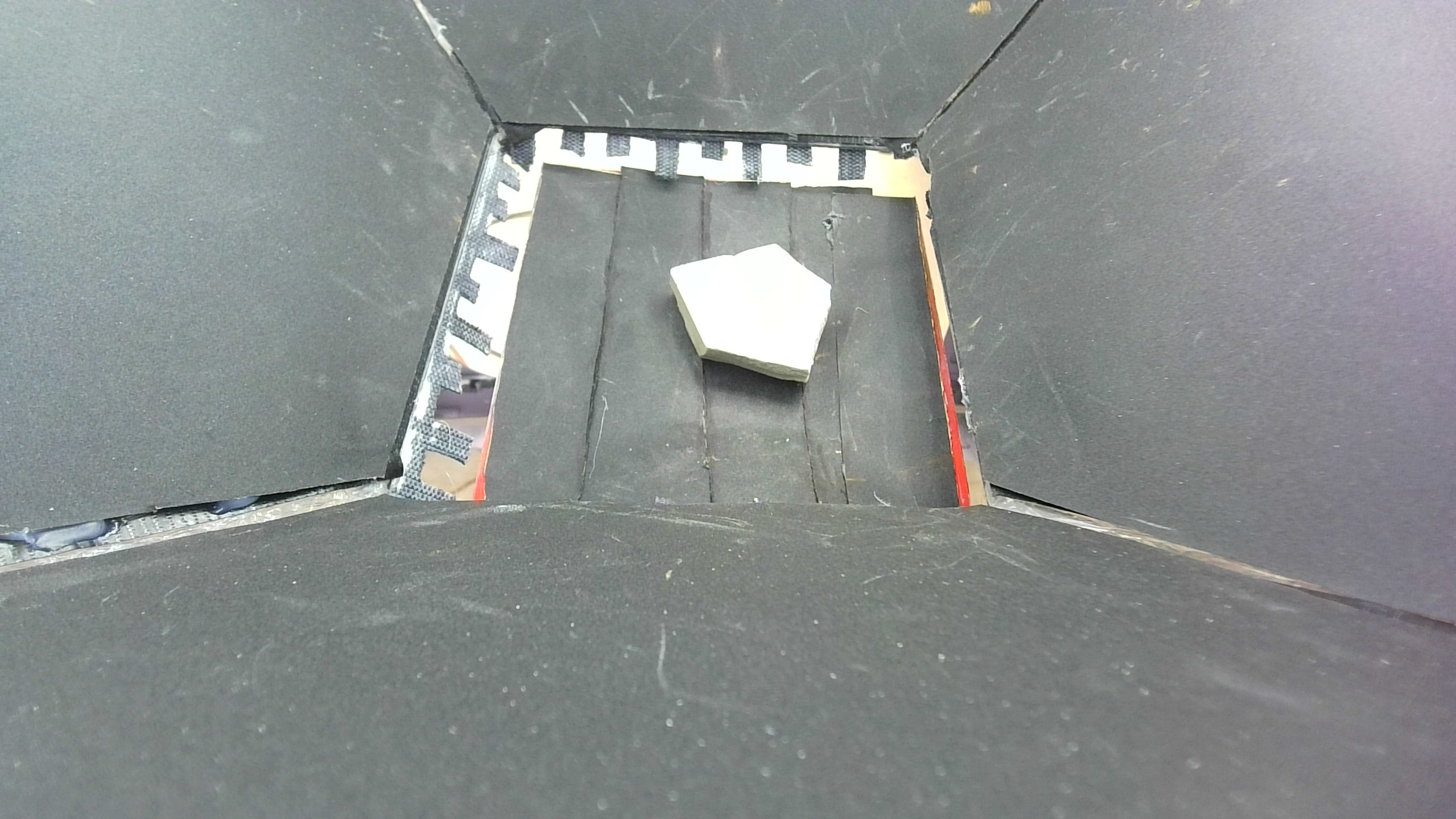
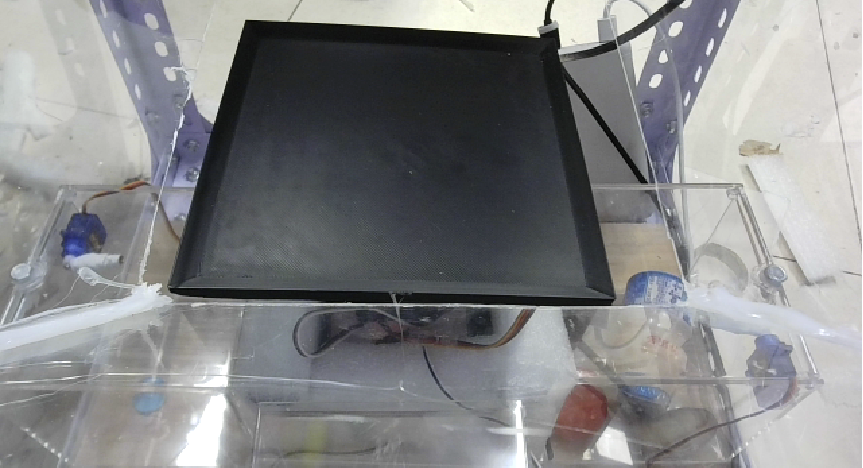
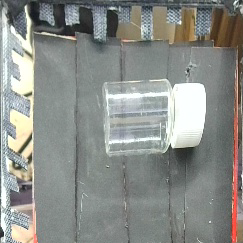
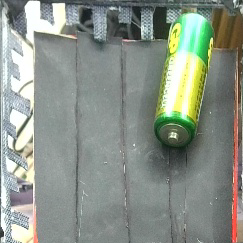
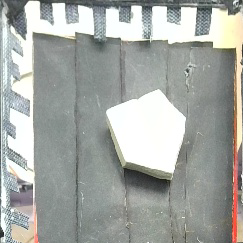
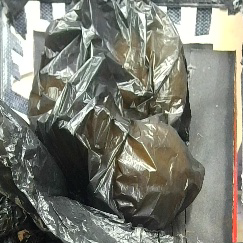
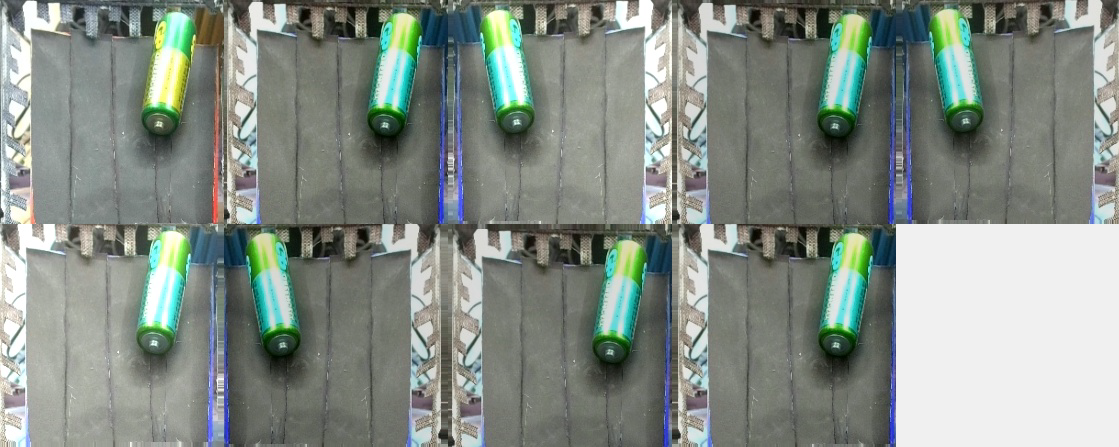
In engineering practice,the quality of sampling directly determines the upper bound of subsequent training.By layingblack sandpaper in the sampling area to reduce reflective interference, and continuously iterating on camera position and background settings, the project makes categories such as recyclables, hazardous waste, and other waste more distinguishable in terms of visual features.The visual sampling area within the device is completely enclosed, and illumination is provided by fixed LED light strips. As a result, the lighting conditions for sampling do not vary with changes in location.The lower right figure shows an example of improper sampling, where a significant increase in interference can be observed by comparison.
ROI Normalization and Data Augmentation
To unify the input distribution between training and deployment, the input is aligned to 224×224, anda four-point perspective transformation is applied to the original high-resolution framesto extract standardized classification ROI.On this basis, augmentation strategies such as random horizontal flipping, brightness/contrast/saturation perturbation, and random cropping after padding are further introducedto enhance the model’s robustness to variations in pose and illumination.
Transfer Learning and Deployment Results
For visual model training, due to the relatively small sample size,a two-stage transfer learning approach is adopted.Stage one involves freezing the backbone.Only the classification head is trained.The parameters of MobileNetV2 are fixed (retaining the general image features it learned from ImageNet, such as edges and textures).Only the classification head (global pooling, Dropout, and fully connected layers) is trained.This is equivalent to allowing the classification head to "learn how to transform general features into classification results for five categories of waste." The learning rate for this stage is set to 10^-3, and training runs for 10 epochs, ensuring fast convergence and low error rates. Stage two involves unfreezing the higher layers and fine-tuning with a small learning rate. Once the classification head training stabilizes,the higher layers of MobileNetV2 are unfrozen.The first 100 layers are frozen, and only the subsequent layers are fine-tuned, enabling the backbone to adapt to fine-grained features of waste images (e.g., the curvature of plastic bottles, the reflection of metal cans). In this stage, the learning rate is reduced to 10^-5 (with extremely small update steps) to avoid disrupting the general features pre-trained by MobileNetV2.
During the competition, the on-site evaluation categories were four types of waste; in the engineering code, the classification head is designed with five outputs, where the additional category is NULLused to accommodate idle scenarios of the waste sorting device.The final offline validation accuracy reached approximately 98%, and in the formal competition, 7 out of 8 unknown samples were successfully recognized.。
On the Jetson Nano side, containerized environment deployment (using TensorFlow 2.7 Nvidia official Docker deployment), auto-start on boot, GPU memory dynamic growth configuration, and runtime stability optimization were completed, meeting the continuous operation requirements for classroom demonstrations and competition scenarios.
Classroom Demonstration Video
If the browser cannot play the video directly, use the "Open in New Window" button.
Open in New Window garbage-classroom-demo.mp4
PPT Preview
If the browser or network environment cannot preview the PPT directly, use the "Open in New Window" button.